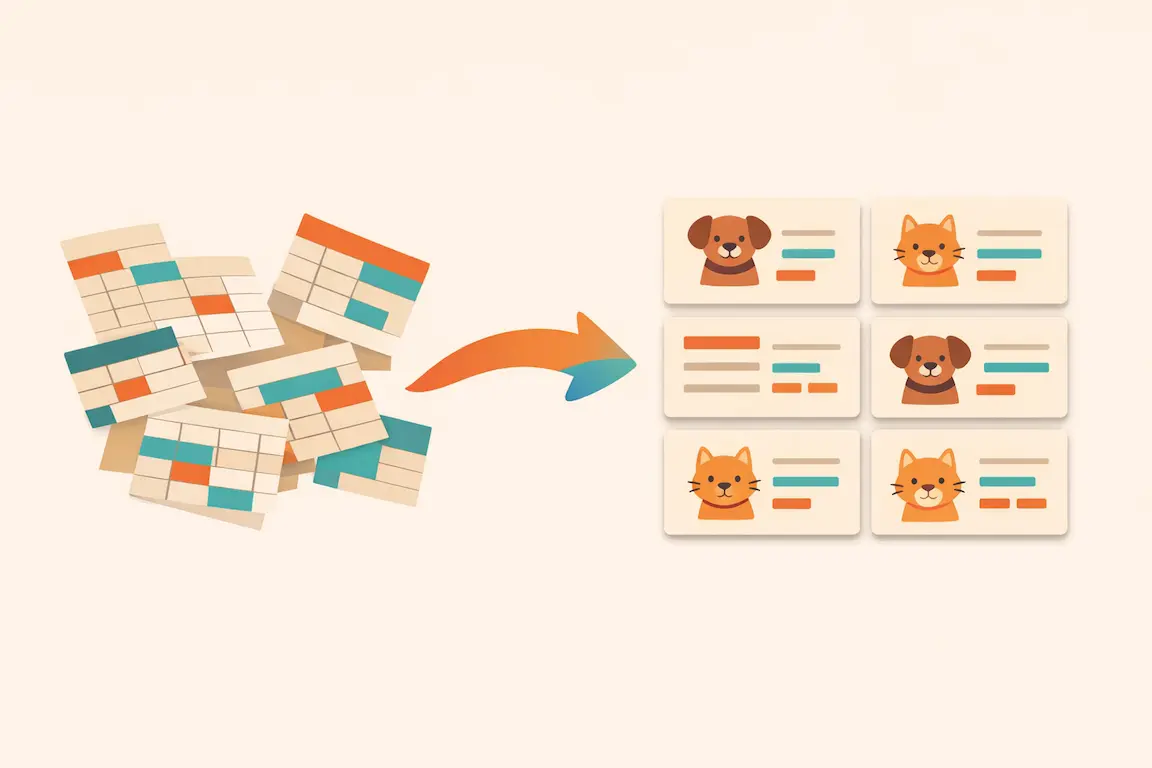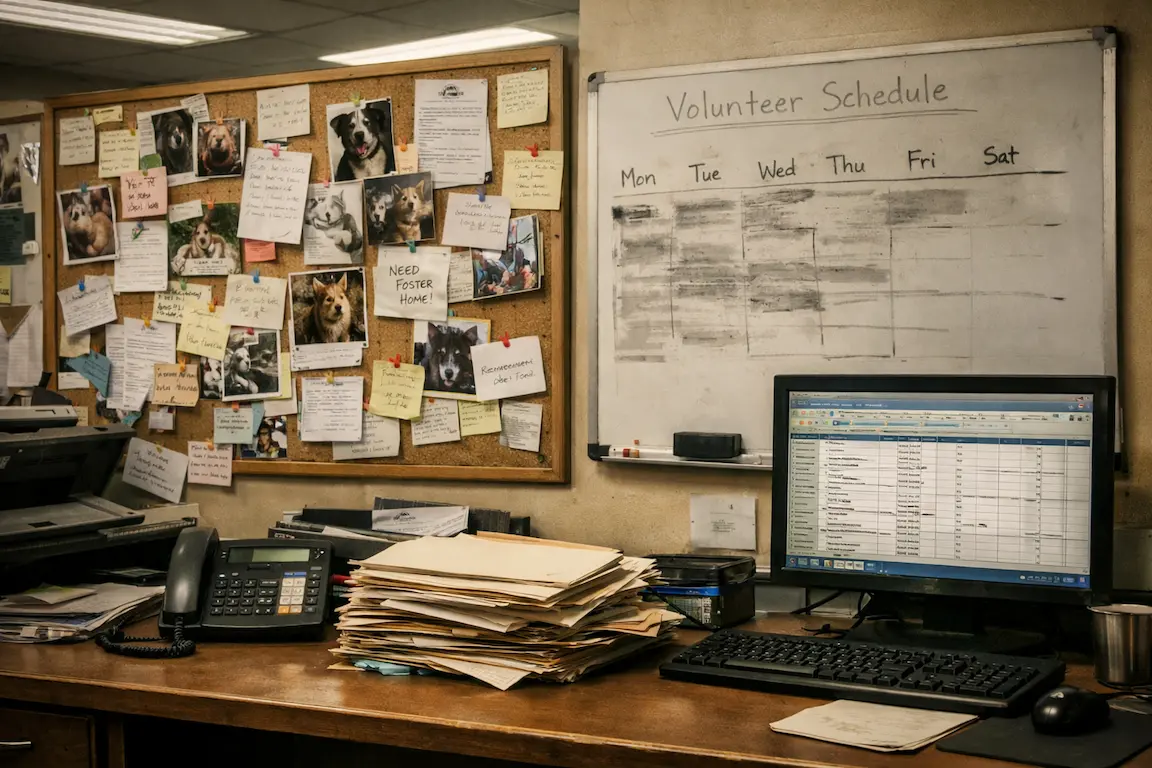
Shelter management software is the shared system your team uses to run the day: who's in care, what each animal needs, which applications are waiting, and who's handling what. It replaces the mix of spreadsheets, whiteboards, inboxes, and paper folders that most organizations start with.
Feature lists for these products tend to look alike, so it helps to think about the work itself. This guide follows a typical week in a shelter, shows what software should do at each stage, and ends with questions to ask when you compare platforms.
Starting the day: who needs what?
Morning staff need a clear list of the care due today, including medications, feedings, treatments, and anything that's overdue. If that list lives on a whiteboard, it only helps the people standing in front of it, and it can't tell you whether yesterday's evening dose was given.
Look for software that builds this list from the animal's records instead of asking someone to rewrite it each day. In PawPlacer, medical due dates and food schedules feed the dashboard and the calendar, and each pet has a Today tab showing what needs attention. Daily feeding schedules appear as morning, midday, evening, and night servings that staff can mark as done.
Intake: getting animals into the system
Intake is often where records go wrong, because it happens under time pressure. Good software lets you create a usable record quickly and fill in details later. You'll want the intake date and source, identifying details, photos, and any known medical history.
Owner surrenders usually need a step before that. A request comes in, someone reviews it, and the animal may or may not come to you. PawPlacer's Surrenders area keeps that request separate from your animal records. Public submissions create a surrender case with its own stage, priority, review due date, and assignee, and a pet profile is only created when your team converts the request or links it to an existing pet.
For strays, you may also need to track a hold period. Selecting PawPlacer's Hold or Stray status lets you set a Hold Until date, which adds a calendar reminder for staff to review the animal. It doesn't release the hold automatically, so the decision stays with your team.
During the week: applications and adoptions
Adoption applications tend to arrive in bursts, and slow replies can cost you good adopters. Your software should collect applications through online forms, keep each one tied to the person and the pets they're interested in, and make it obvious which ones are waiting on you.
PawPlacer's Inbox groups applications and email replies by person, so your team reads one conversation and can approve or reject an application from the same screen. When it's time to finalize, the adopter can sign the contract and pay by scanning a QR code, or staff can record an adoption that was handled in person. For a closer look, see our guide to animal adoption software.
Keeping track of people and tasks
A shelter depends on many people who aren't there at the same time. Volunteers need schedules, fosters need placements, and donors need thank-yous. These records should connect to each other. Someone who fosters and later adopts shouldn't exist twice, and a volunteer's hours should be easy to report.
Handoffs are the other half of this. Work that isn't assigned to someone tends to wait. PawPlacer includes task boards with assignees and due dates, and tasks can be linked to specific pets so they appear on those pets' profiles. Volunteer profiles track shifts and completed hours, and team permissions come in six roles, so you can give each person what they need and no more.
Saturday: events and public listings
Busy adoption days put pressure on two things: accurate listings and a fast checkout. People arrive having seen a pet online, so an animal who was adopted on Tuesday shouldn't still be listed.
Check how a platform publishes to your website and to adoption sites. PawPlacer offers website widgets and public pet profiles, along with listing sync for Petfinder and Adopt-a-Pet. Listings come from the same pet records your team already maintains, and a preview flags missing information before each sync.
Month end: reports and outcomes
Eventually someone asks for numbers. Your board wants adoption totals, a funder wants outcomes, and you want to know whether length of stay is going up. If those answers require a weekend with a spreadsheet, people stop asking.
Look for built-in reports you can run without setup, along with a way to build your own. PawPlacer's Reports area includes dashboards for population, medical care, length of stay, outcomes, and finances, plus a monthly summary. You can export results as CSV.
Questions to ask before choosing a platform
Once you've mapped your own week, take these questions into each demo or trial:
- Does it fit how we work? Ask to see your intake, a medical follow-up, and an adoption from start to finish.
- Who can see what? Ask how permissions work for sensitive records such as applications.
- What does it really cost? Ask about per-animal or per-adoption fees, paid tiers, and payment processing.
- How do we get our data in and out? Ask who handles migration and what you can export if you leave.
- Does it work on a phone? Much shelter work happens away from a desk, so try it on the devices your team carries.
- What's the support like? Ask who answers questions, and how quickly.
Our shelter software checklist turns these questions into a hands-on test your team can run.
How to introduce new software without disrupting care
Try to avoid switching during your busiest season. Pick a start date, then enter all new intakes in the new system from that day forward. Move animals currently in care next, starting with those who have active medical needs. Avoid keeping two live systems for long, because people quickly lose track of which one is right.
Train people on the tasks they actually do. Kennel staff need to know how to find and complete today's care, and adoption counselors need to know how to review applications. Neither group needs a tour of every feature.
PawPlacer's team handles migration for free, including moving your records and setting up your workflows. You can also explore a sample workspace in the public demo before you decide. PawPlacer is free for every animal welfare organization.