It's Saturday afternoon at the pet store adoption event. You've got eight dogs, four volunteers, a folding table that keeps collapsing, and a family standing in front of you ready to adopt the hound mix they've been playing with for twenty minutes. They're excited. The dog is excited. Everyone's excited.
And now you need them to fill out a paper application. With a pen that doesn't work. On a clipboard balanced on a stroller. While their toddler tries to open the crate with the puppies in it.
By the time they're done, if they finish, you're going to take that form home, squint at their handwriting, type it into your system, and email them next Tuesday. Half the time they've already adopted from someone else by then.
There's a better way.
The paper problem at events
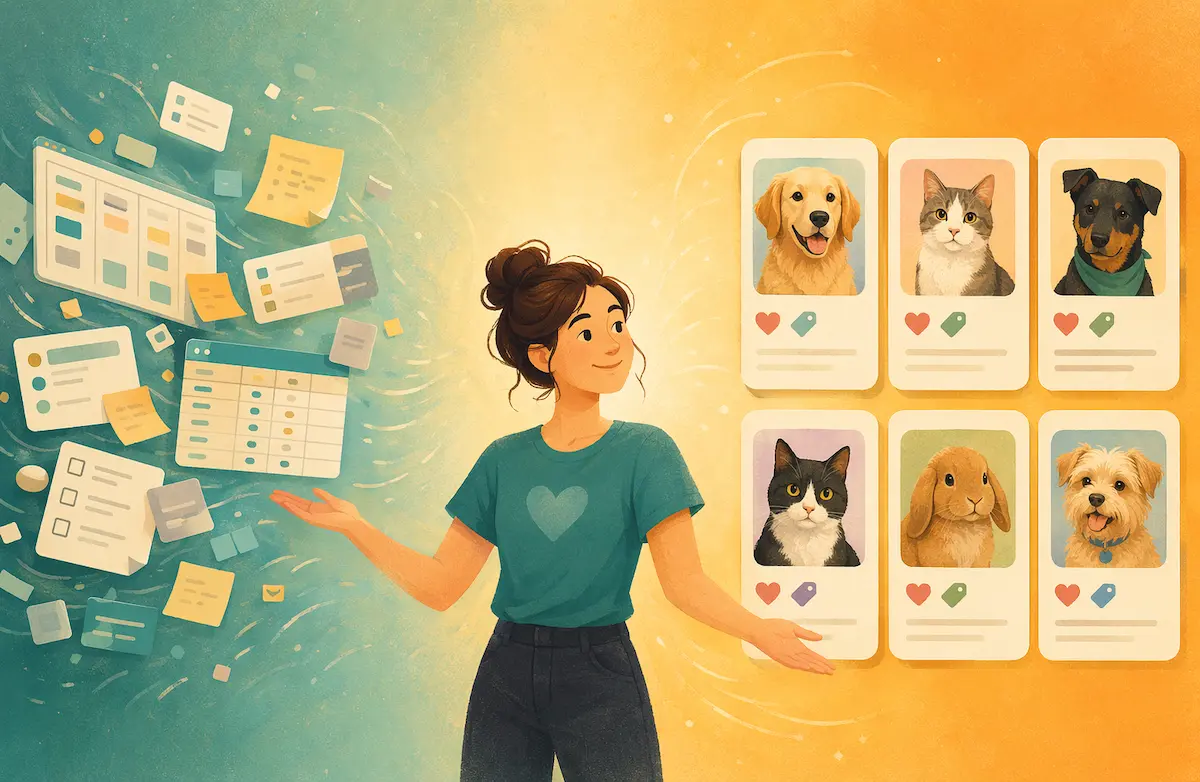
Paper applications at adoption events are a holdover from before everyone had a computer in their pocket. They produce a data entry backlog, they're hard to read, and they put days between "I want this dog" and "the dog is yours" at the exact moment when speed matters most.
People who show up to adoption events are the warmest leads you'll ever get. They drove somewhere on a Saturday to look at rescue animals. They are ready. Every friction point between that moment and a completed adoption is a chance for them to walk away, get busy, or find another rescue that moved faster.
The goal is to process an adoption, or at least an application, while the adopter is still standing in front of you, still holding the dog, still feeling it.
QR codes change everything
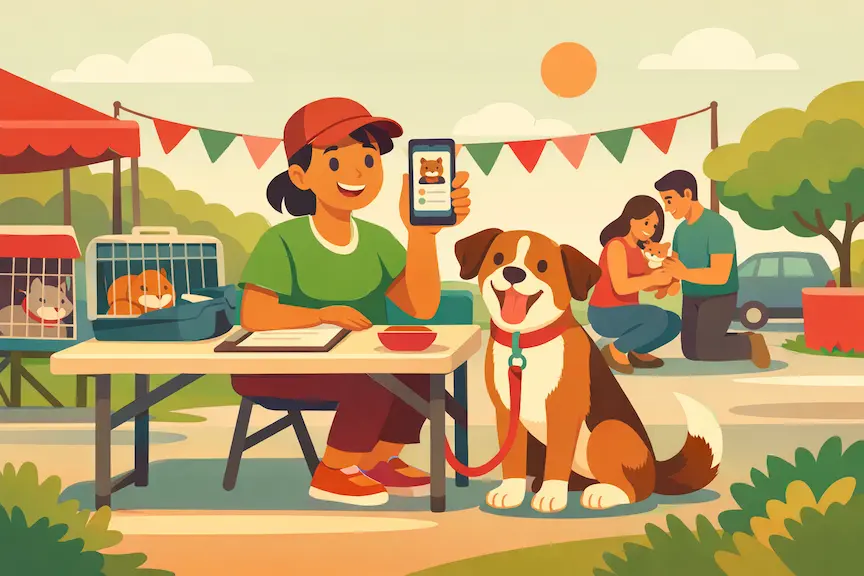
Put a QR code on your table, on your banner, on the kennel cards, on a laminated sheet a volunteer can hand to someone. The code links to your adoption application: a mobile-friendly digital form the adopter fills out on their own phone. It's one of the highest-impact tweaks you can make to an event. See our guide to increasing adoptions for more along those lines.
Skip the clipboard. The adopter fills out the form in five minutes while sitting on the floor playing with the dog, and it lands in your system instantly with all the fields properly formatted and attached to the right pet.
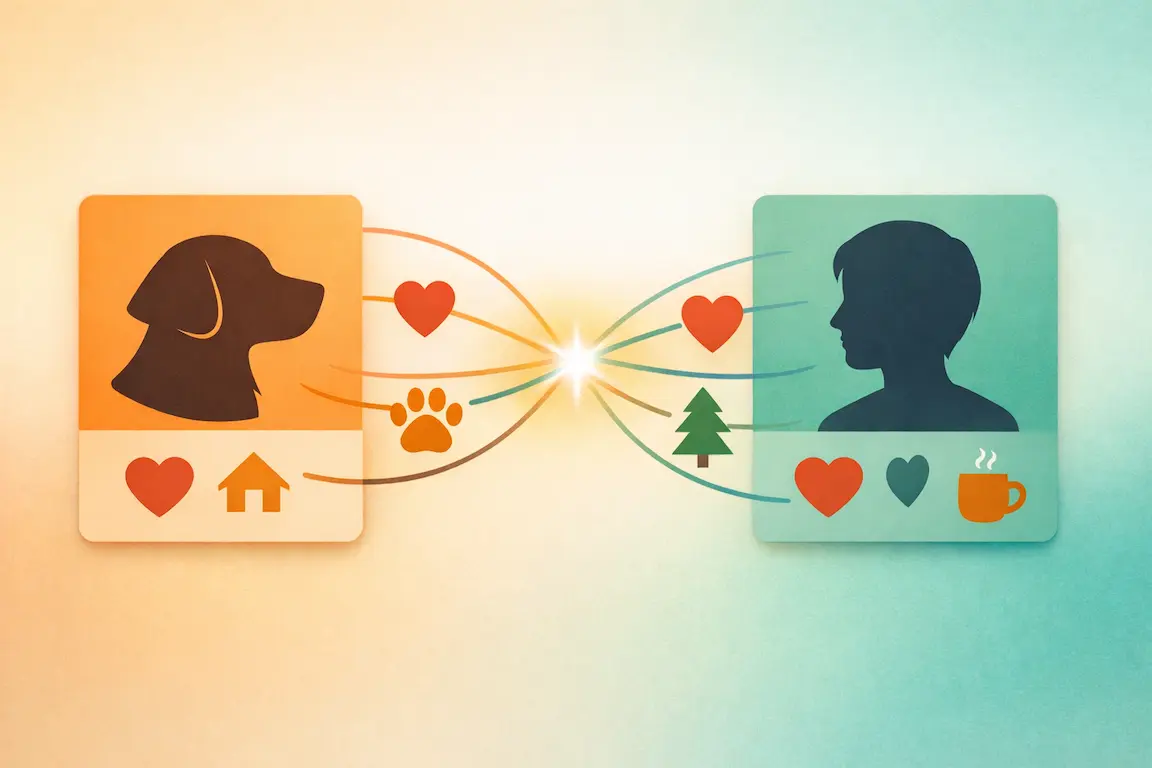
With PawPlacer, you can generate QR codes that link directly to your custom adoption application. The form is mobile-optimized, submissions hit your dashboard in real time, and the adopter's info is already linked to the pet they're interested in. Your volunteer at the event can see the application come in on their phone and start the approval conversation right there.
What your mobile workflow should look like
Before the event, make sure every available animal has a current profile with photos, bio, and status. Print QR codes: one for general applications and optionally individual ones per pet. Brief your volunteers: here's how someone applies, here's what to do when an application comes in, here's who makes the approval call.
During the event, adopters scan, fill out the form, and submit. You get a notification. A volunteer reviews the application on their phone, checks for red flags, confirms the basics, and maybe asks a couple follow-up questions in person since the adopter is right there. If everything looks good, you can approve on the spot or move them to the next step (home check, reference calls, whatever your process requires).
The key is that the conversation happens while everyone is together. "Hey, I see on your application you've got two other dogs. Tell me about them" is a much better screening conversation when you're standing next to the person than when you're emailing them three days later.
What to keep on paper (and what to ditch)
The adoption contract (the legal document) might still need a physical signature depending on your state and your organization's requirements. That's fine. Print contracts and have them ready. But the application, the screening, and the approval decision can all happen digitally.
Vet reference checks can be started immediately if your form collects the vet's info. Some rescues call the vet from the event. Five-minute call, reference confirmed, adoption processed same day. Try doing that with a paper form you won't type up until Monday.
Making it work with bad internet
Outdoor events, parking lots, pet store basements: not every venue has great cell service. A couple things help.
Your form should be lightweight. No huge images, no unnecessary fields, no multi-page monster that times out halfway through. A clean, fast form on a slow connection beats a fancy form that won't load. (PawPlacer's forms are built this way on purpose.)
Keep a few paper applications in your bag as a backup for the rare case where someone's phone is dead or the internet is truly nonexistent. But treat paper as the fallback, not the default.
If your volunteers are reviewing applications on their phones, make sure they can see the essential info without loading the whole dashboard. A notification with the applicant's name, pet of interest, and basic details is usually enough to start the conversation.
The follow-up matters
For adoptions that don't close on the spot (maybe you need to do a home check, or the adopter wants to think overnight), speed matters. Follow up the same day. A text or email that evening saying "Great meeting you today. Here's the next step to take Biscuit home" keeps the momentum going.
If your system can send automated follow-ups when an application is submitted, even better. The adopter gets an instant confirmation that their application was received and what comes next, so they're not left wondering if the form went through.
You don't need anything fancy
What really matters is a way for people to apply without paper, a way for your team to see applications as they come in, and a way to reach back out quickly. A Google Form and a shared inbox can do that in a pinch.
If you're doing events regularly and processing dozens of applications, having each submission tie back to the pet profile and the whole team working from the same view will save you a lot of Tuesday-evening data entry. And probably a few would-be adopters who got tired of waiting on you.